
As i have stated in previous posts, this is a log of the updates and progress I am making on my project website called Flearn (Flip Learn), where I am building out a full study card website with many features, for users & teachers.
In recent months I’ve been held up due to demands in my real world job, but I have managed to do the following on my developer lab which is being pushed to the production Flearn website.
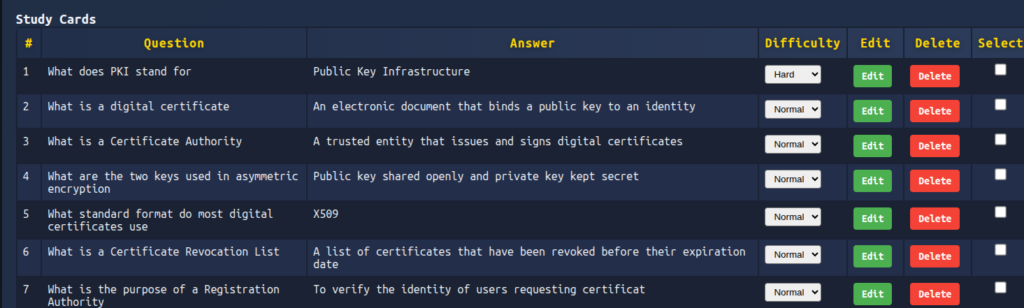
Study Card Complexity
I’ve implemented a means for registered users to rate the study cards that they have created, so that they can opt to study the more difficult study cards over the easier ones, or mix them together. To achieve this, I had to also update the user page where you manage the study cards for their study board. The overall look is now a lot better and greatly improved in relation to how it is organised. This will be advanced further in the future (I’m just thinking up ideas at this point)
Blog post system
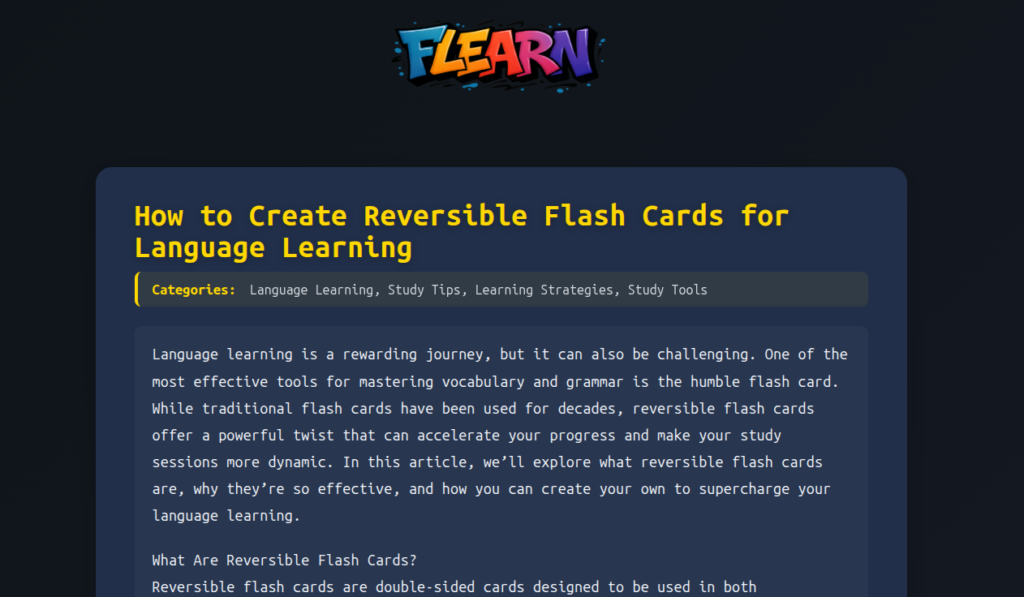
I have implemented a blog on the flearn website, so that I can write up related articles to study cards. The purpose for this is three fold. The first is that it helps me learn more about how we develop study patterns and increase my own ability to learn new information, the second is so that I can share this with everyone else, and third is to help with building out Flearns SEO related aspects of the website.
Printing Study Cards
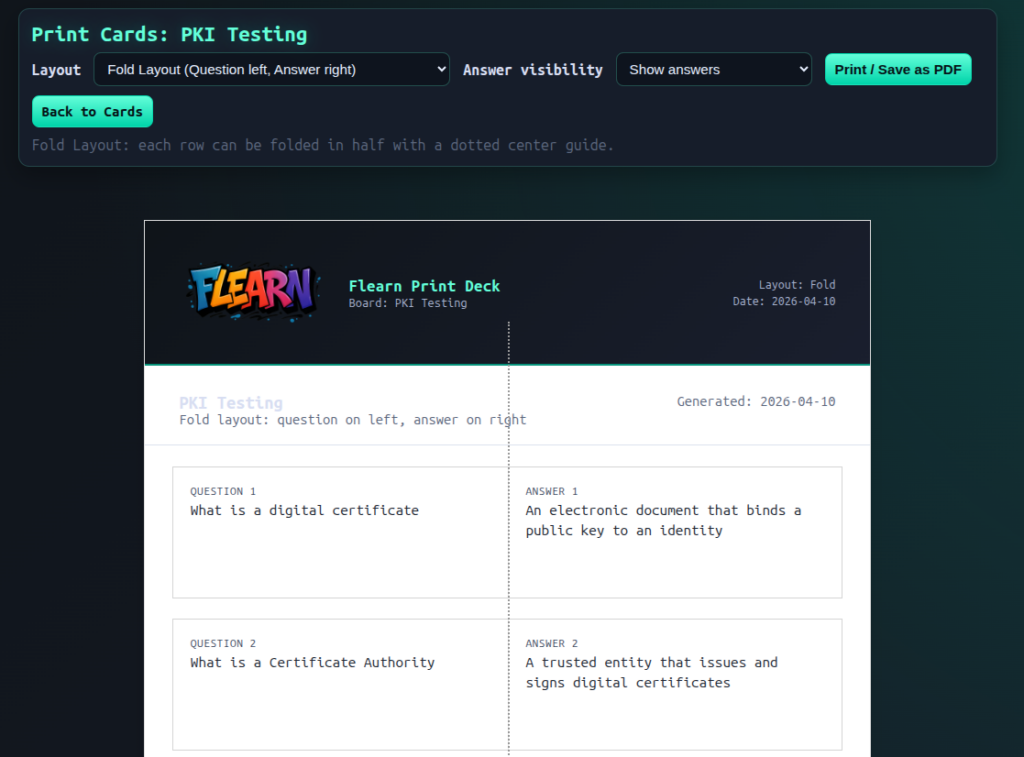
I have also worked on finding a way to enable people to print their study cards from their personal study board. The way this works, is that you press a button on the users study board, this then opens a new page, where you’re presented with options for how you want the study cards to be printed. I think the best approach is the question on the left side of the page and the answer on the right hand side, because in doing so, you can fold the paper vertically and flip it over to view the answer. This is a great feature in my opinion that I will also be utilizing myself.
In the future I am hoping to have the ability to order your cards, so that they’re printed on high quality card, with a nice design and the Flearn logo.
Mobile friendly
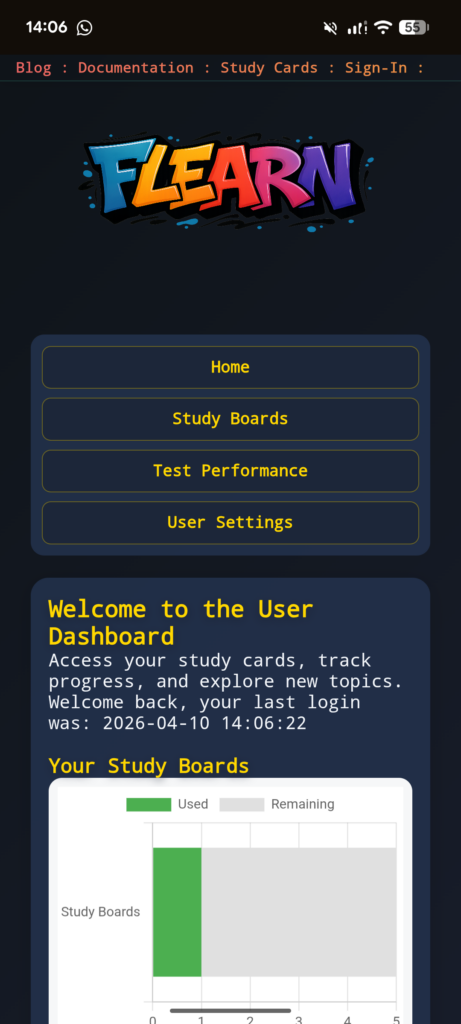
I have also worked my way through the entire website and every web page, so that I can make sure it is all mobile friendly. Why do this? Well my aim is to make a mobile application for Flearn in the future but at present I want to quickly enable mobile users to utilize Flearn for studying.
Google Indexing
I’ve noticed over the last 6 months whilst I have been utilizing Google Webmaster Tools, that Flearn.online isn’t being indexed correctly and I’ve struggled to understand why. What I have noticed is that I’m running custom code, because I’m building the website up from nothing, rather than using a CMS like wordpress which I havent done in a while, and therefore I’ve been missing some very basic things such as the robots.txt file. I have therefore been making modifications to the website and I’m seeing some traction in Google now.